Studio online - media pool readyRender queue idle
Browser video editor

The browser video editor built for real post-production

Most browser editors stop at trimming a clip and adding a caption. This one is a full post pipeline: a multi-track timeline, node based colour, Fusion compositing, Fairlight audio and delivery presets, all in a Chrome tab and all on the same project.

View pricing
  • No install, no licence server, no render farm
  • Edit, colour, composite, mix and deliver in one project
  • Projects follow the account between machines
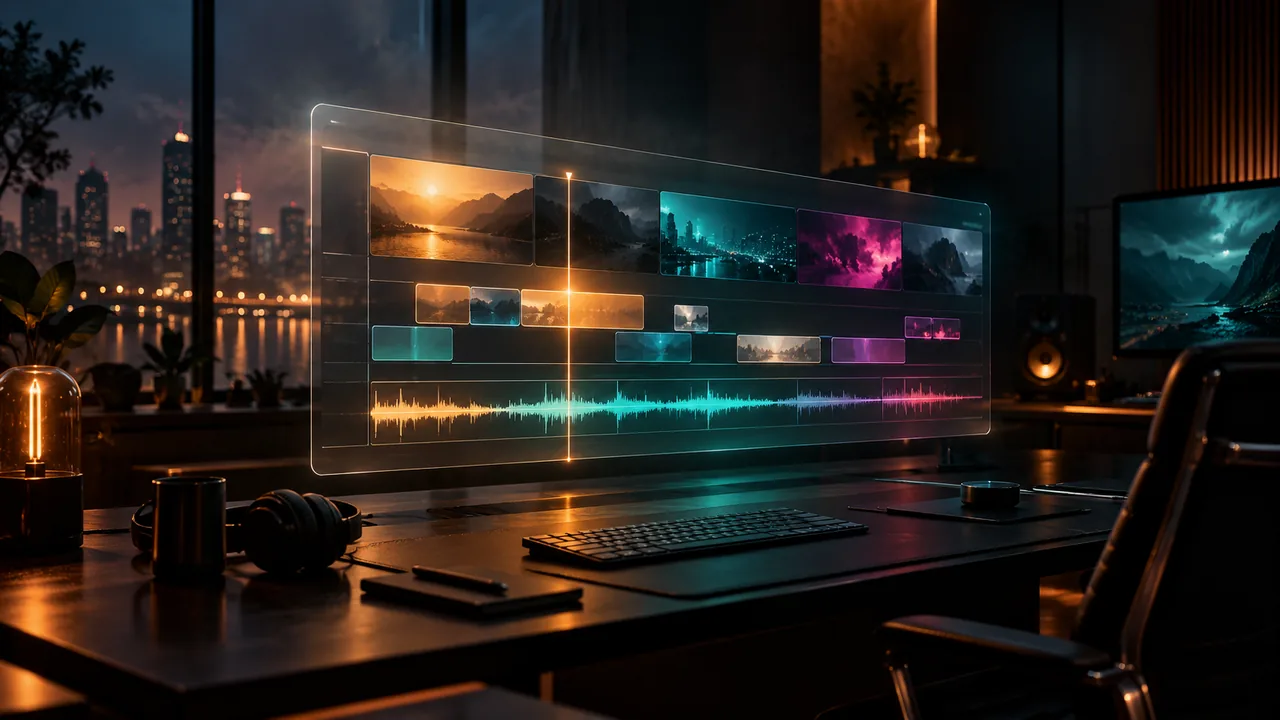
Multi-track timeline in a translucent browser window above a dark editing desk
One project

Five pages, one timeline, nothing to export between them

The Edit page is where the story takes shape, but the project does not end there. Colour reads the same timeline, Fusion sits on the clips that need compositing, Fairlight hears the same tracks and Deliver renders the versions without a conform. The handoff between pages is a click, not a file exchange.

  • Cut, trim, multicam and markers on the Edit page
  • Node based grades and scopes on the Colour page
  • Fusion composites, Fairlight mixes and delivery presets in the same project
  • Project state follows the account to another browser or machine
Browser reality

What changes when the editor lives in a tab

A browser has less room to hide than a workstation. Playback depends on the codec, the proxy strategy, hardware acceleration and the connection. The studio is built around those constraints: proxies for heavy camera files, render cache for effects heavy sequences, and a viewer that stays responsive while the finishing pages work in the background.

  • Generate proxies once and edit against them all project
  • Use hardware acceleration where the browser and machine support it
  • Keep a stable connection for project state and server side neural passes
  • Close other heavy tabs before a long timeline session
Work that fits

From a social cut to a multicam edit, with the same grammar

The browser route is not limited to short form. Multicam sync, adjustment clips, speed ramps, titles, captions and versioned delivery are all part of the same timeline. A weekly YouTube edit, a product launch with several aspect ratios and a two-camera interview can share the same working habits instead of three different tools.

  • YouTube edits, shorts, reels and square versions from one sequence
  • Multicam interviews with waveform or timecode sync
  • Shared review and project versions for teams on the Studio plan
  • Delivery presets for platform, archive and broadcast versions
The desktop edge

When the installed application still earns its place

A browser cannot replace every workstation workflow. Fully offline shoots, exotic camera formats, hardware control panels and heavy round-trip work with other applications still point to the desktop studio. The useful question is not which one wins, but which part of the job needs a local install and which part moves faster in a tab.

  • Desktop for offline editing and unsupported local codecs
  • Browser for mixed machines, shared projects and quick turnarounds
  • Move the project between the two without rebuilding the edit
At a glance

The browser route at a glance

What you can expect from a current Chromium browser and a working account.

BrowserCurrent Chrome or Edge on Windows, macOS, Linux or ChromeOS
TimelineMulti-track, multicam, markers, speed ramps and proxies
FinishingNode colour, Fusion composites and Fairlight audio pages
DeliveryH.264, H.265, ProRes and audio stems from one render queue
ProjectsCloud project state, shared pools on the Studio plan
Help

Frequently asked questions

Browser video editor questions that come up before a first render.

Is this a full video editor or a trimming tool?

It is a full multi-track post pipeline: Edit, Colour, Fusion, Fairlight and Deliver share one timeline. The browser is the application host, not a reduced feature set.

Do I need to install anything?

No. Open the studio in a current Chromium browser, sign in with Google and work from the media pool. There is no installer, licence server or local render queue to maintain.

Can I edit 4K footage in a browser?

Yes, with the right source and proxy strategy. H.264 and H.265 files usually play directly; heavier camera codecs should be proxied first. The original media is still used for the final render.

Does the browser editor work offline?

No. Project state, proxies and server side passes need a connection. For an offline shoot, use the desktop studio and move the project back when the connection returns.

Can another editor open the same project?

Shared media pools and project versions are part of the Studio plan, so a second editor can work from the same project without shipping drives or exporting a reference file.

Why not use a desktop editor?

Use the desktop route when the job needs offline media, hardware panels or unsupported local codecs. Use the browser route when the job needs a mixed team, a quick start or a project that follows the account.

Keep reading

Where this fits in the workflow

The studio is one project with several pages. These are the pages that usually come before and after this one.

Ready when you are

Open a post pipeline in a tab

Sign in, drop in a card of footage and start on the timeline. The finishing pages are already part of the same project.

  • No install, no licence server
  • Google sign in, projects in the cloud
  • Cancel anytime
Browser Video Editor in Chrome | DaVinci Resolve