Studio online - media pool readyRender queue idle
Fairlight page

Online audio editor: Fairlight mixing and finishing in the browser

Dialogue, music and effects live on their own tracks in the same project as the picture. The Fairlight page gives those tracks a mixer, processing, automation and loudness metering, so the mix is finished with the film rather than exported to another application.

View pricing
  • Mix in the timeline instead of a separate session
  • Loudness metering against broadcast targets
  • Stems and mixdowns rendered from the same timeline
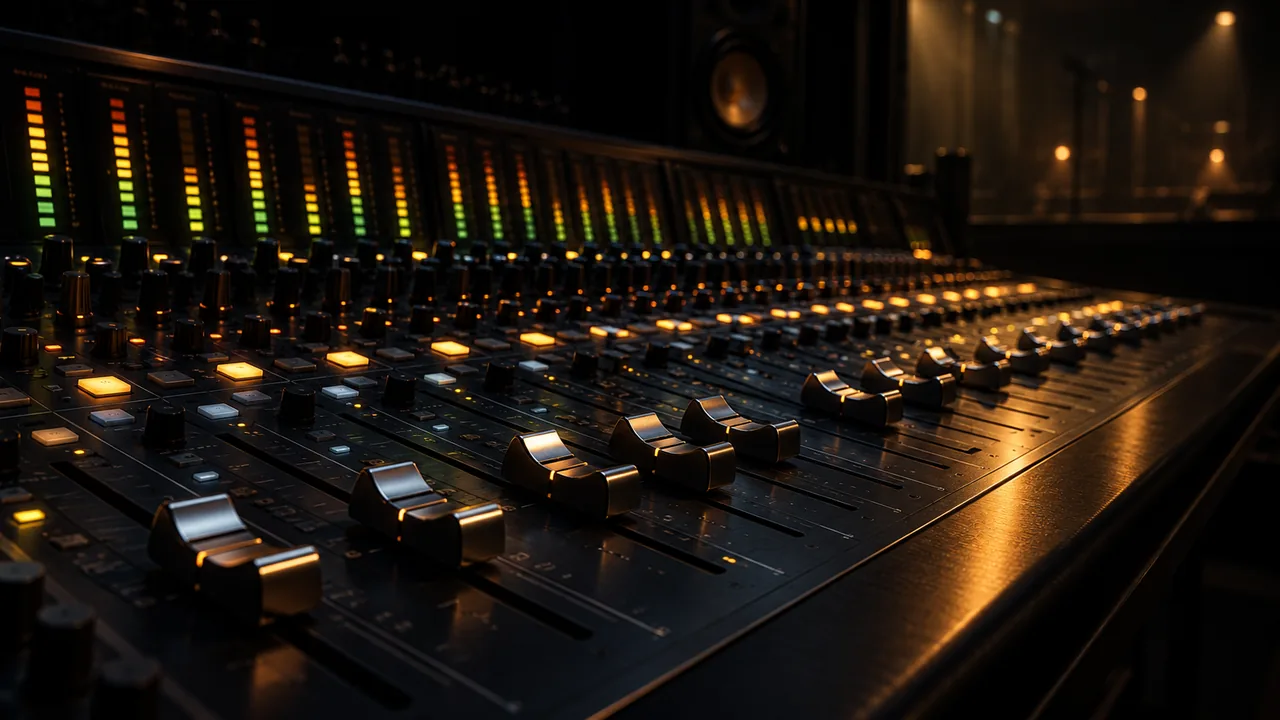
Fairlight mixing console with faders and loudness metering in the browser
Mixer

A mixer that matches the timeline track for track

Every track in the edit arrives on its own channel strip. Add buses and submixes, ride levels, write automation and keep the whole mix attached to the picture it belongs to.

  • Channel strips with input, EQ, dynamics, sends and output
  • Mono, stereo and surround track types with bus routing
  • Clip gain, fades and automation curves written in the timeline
  • Mixer snapshots for alternate versions of the same session
Processing

Cleanup and dynamics for dialogue in a noisy room

The built in Fairlight processing set covers the everyday dialogue chain: corrective EQ, compression, gating, de-essing and restoration tools, with metering that tells you what each move actually changed.

  • Four and six band EQ with dynamic bands
  • Compressor, limiter, gate, expander and de-esser
  • Noise reduction, hum removal and de-click for camera audio
  • Fairlight FX for reverb, chorus, delay and pitch work
Loudness

Measure loudness before the client does

Targets are part of the delivery, not an afterthought. Meter the whole programme, the dialogue stem or a single clip against the standards broadcasters actually ask for.

  • EBU R128 and ATSC A/85 loudness measurement
  • True peak limiting with configurable ceilings
  • Loudness history graph across the programme
  • Per stem and per bus measurement before delivery
Audio delivery

Stems, mixdowns and sync that travel with the cut

Render what post houses ask for without leaving the project: dialogue, music and effects stems alongside a full mixdown, plus the audio embedded in every video delivery preset.

  • WAV stems and mixdowns at 48 kHz 24-bit
  • Audio only delivery presets from the Deliver page
  • ADR and voice over recorded against picture with timecode
  • Track layouts that survive a version change in the timeline
Help

Frequently asked questions

Fairlight page questions that come up before a first render.

Do I need a separate audio application now?

For most documentary, channel and corporate work the Fairlight page is enough. Heavy music production, sound design libraries and plugin heavy re-recording still belong in a dedicated DAW.

Can I use my own plugins?

The browser studio ships the built in Fairlight FX and processing set. Vendor installed plugin formats are part of the desktop studio, and projects keep their routing when they move across.

Can I monitor surround or just stereo?

Channel strips support mono, stereo and surround track types, and monitoring follows the system audio device attached to the browser.

How do I hit -23 LUFS for broadcast?

Meter the programme on the Fairlight page, ride the mix or trim the bus, then confirm with the integrated loudness reading and a true peak limit before rendering.

Which audio formats can I export?

WAV stems and mixdowns at 48 kHz 24-bit, plus the audio in every video delivery preset such as H.264, H.265 and ProRes masters.

Ready when you are

Finish the mix in the same project

Open the studio, switch to Fairlight and meter the sequence you already cut. Nothing has to be exported to be heard properly.

See delivery presets
  • No install, no licence server
  • Google sign in, projects in the cloud
  • Cancel anytime
Online Audio Editor | Fairlight in the Browser | DaVinci Resolve