
One media pool
Bins, metadata, smart bins and clip markers live in the project, so the edit, the grade and the mix all reference the same media.
Open the studio and everything is already there: a multi track timeline, node based colour grading, Fusion visual effects, a Fairlight audio page and delivery presets, reading the same media pool with no install and no render farm.
Media, Cut, Edit, Colour, Fusion, Fairlight and Deliver all read the same project. Switch pages without exporting, relinking or handing off to another application.
Bins, metadata, smart bins and clip markers live in the project, so the edit, the grade and the mix all reference the same media.
Generate proxies on ingest, edit with them anywhere, then relink to the original camera files before delivery.
Sync angles by timecode or waveform and switch them live on the timeline without leaving the viewer.
Colour, Fusion and audio all use node or console based graphs, so looks and effects stay editable for the whole project.
Transitions, filters, motion titles and lower thirds ship with the studio and can be dropped straight into the timeline.
YouTube, Vimeo, broadcast, ProRes, H.264 and audio only presets render to the formats each destination expects.
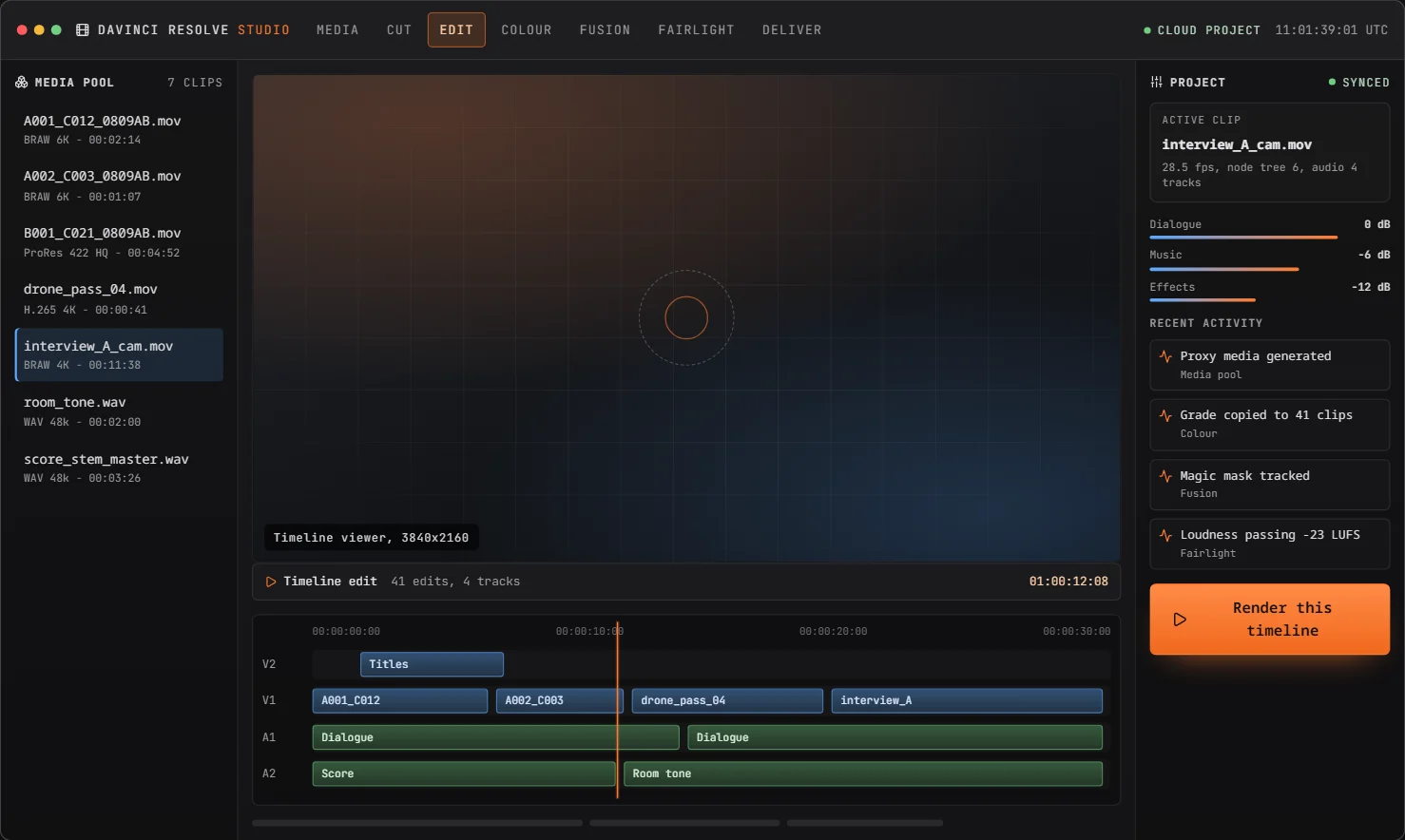
Ingest a card, drop clips on the timeline and keep moving. Source tape, ripple overwrite, clip speed ramps, multicam sync and proxy modes are one keyboard shortcut away, and every edit stays non destructive.
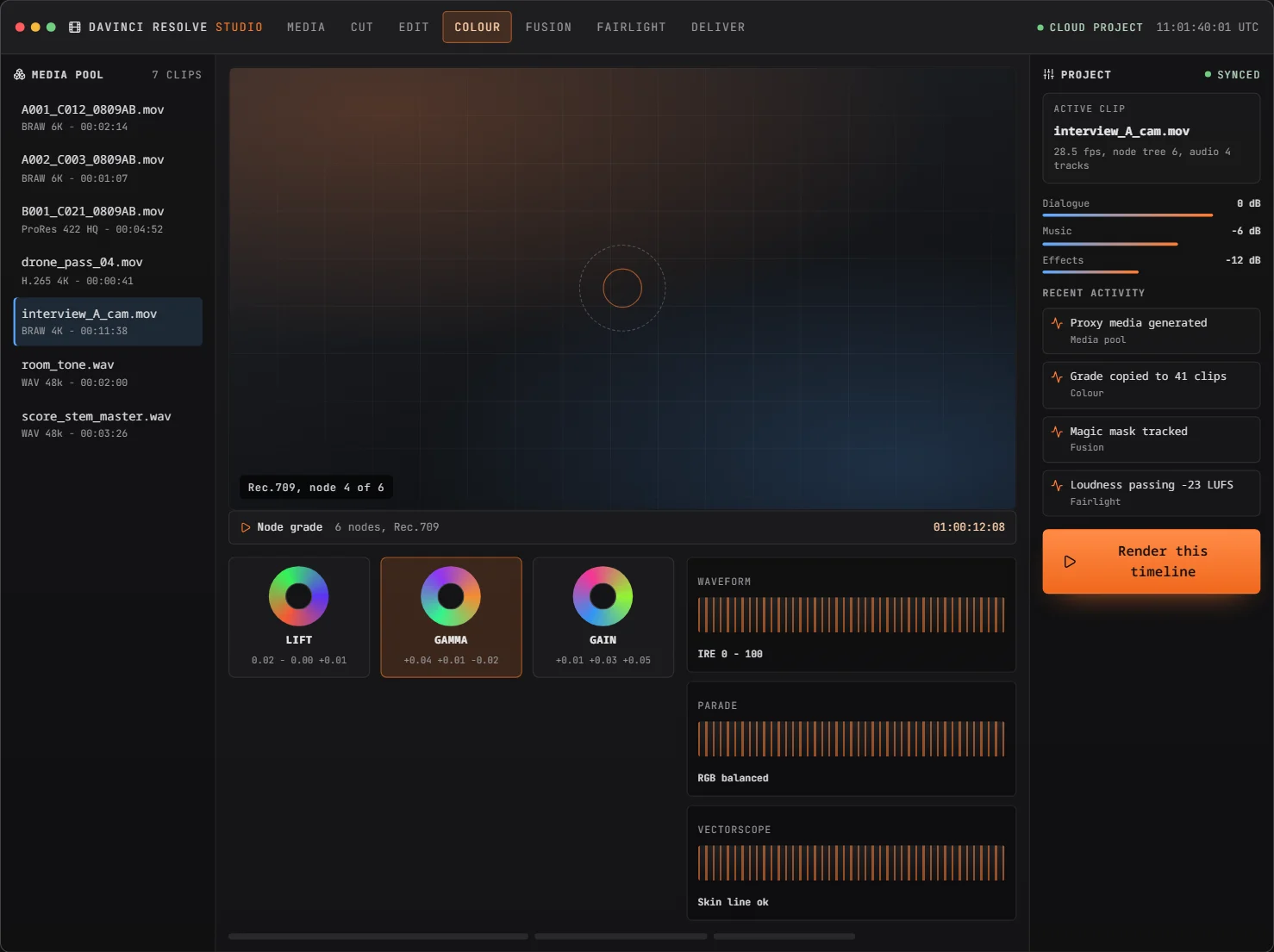
A serial node tree per clip, colour wheels for shadows, midtones and highlights, curves, the colour warper and scopes on every display. Grade to Rec.709 or HDR, then copy the look across a whole sequence in one pass.
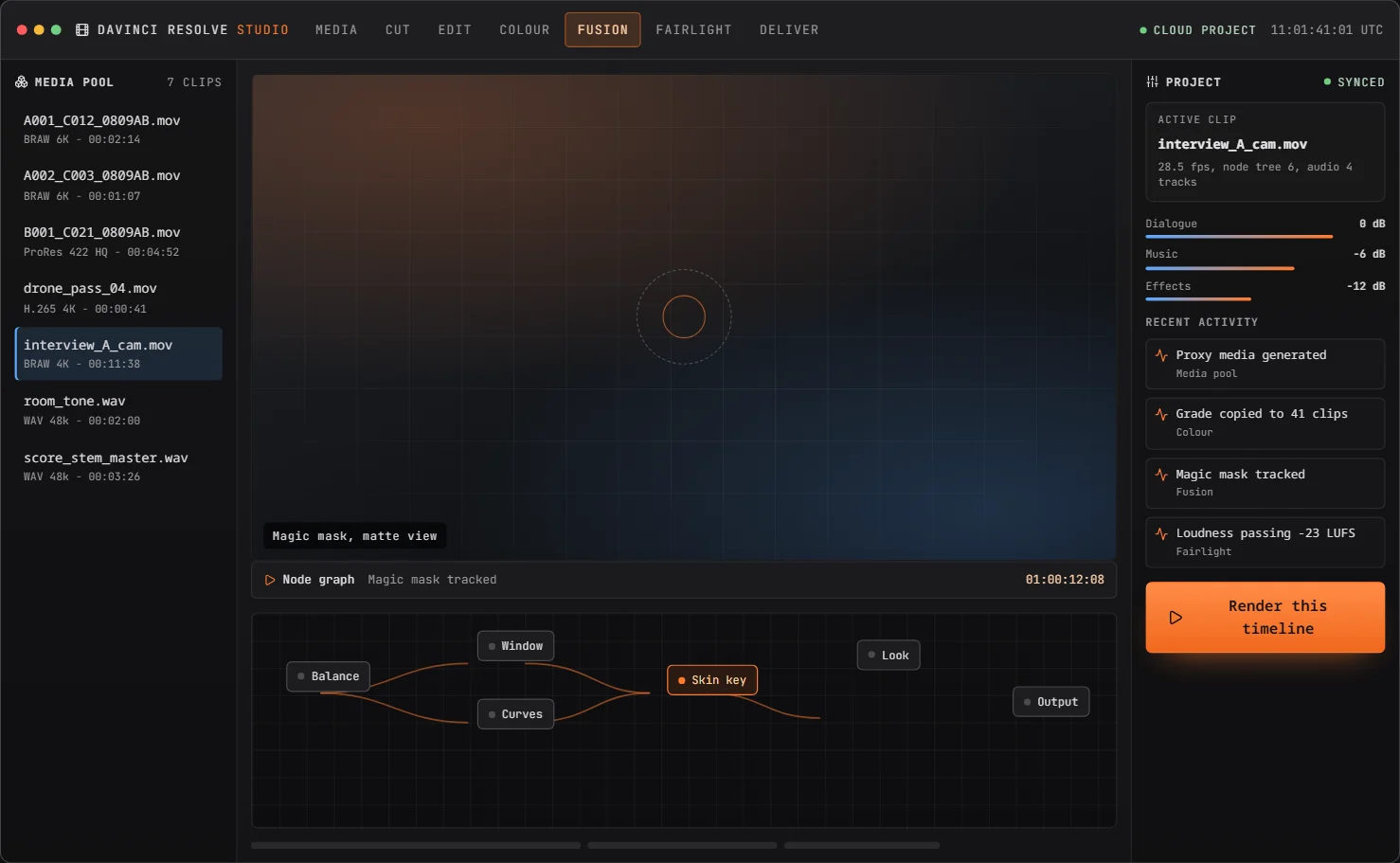
Build node graphs for keys, paint, tracking, particles and 3D titles, then send them straight back to the timeline. Planar tracking and the magic mask keep roto work on schedule.
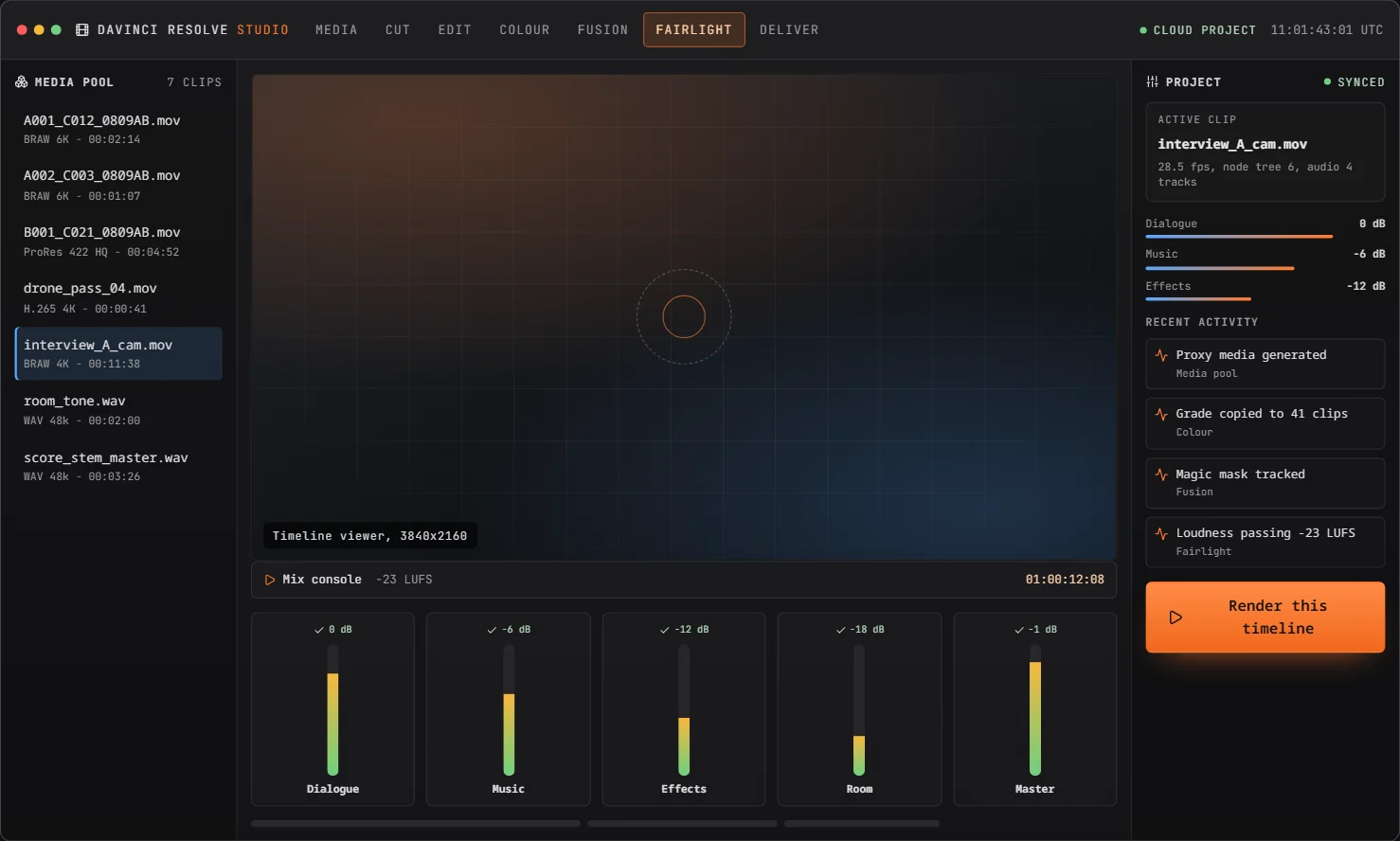
Mix dialogue, music and effects on a real console: faders, EQ, dynamics, gating, reverb and loudness metering, with ADR and subtitle tools in the same pass.
Ingest, edit, finish and deliver in one session. Nothing is rendered twice because the grade, the effects and the mix stay attached to the timeline.
Drag camera media, audio and graphics into the media pool. The studio reads metadata, builds proxies and lays out bins while you keep working.
Assemble on the Cut page, refine on the Edit page. Sync multicam angles, add speed changes, titles and transitions with the keyboard.
Grade in nodes on the Colour page, composite and clean up in Fusion, then mix, level and sweeten dialogue in Fairlight.
Pick a delivery preset, render to the studio, and send the master or an HDR version straight to the destination that needs it.
Pick the master once and render the versions each platform expects: web, broadcast, HDR and audio only stems, all queued from the same timeline.
Documentary, channel work, agency finishing, broadcast highlights, music and classrooms all use the same timeline and the same pages.
Cut long form in the browser, grade to Rec.709 or HDR, and hand over a project that still opens in the desktop studio.
Turn a shoot into a publish ready master with titles, the magic mask, loudness compliance and a delivery preset per platform.
Keep one media pool per project, share sequences with the team and keep client review and versioning in the same workspace.
Multicam sync, fast turnaround trimming and strict loudness tools for daily highlights and news packages.
Cut to the waveform, then finish at 32-bit float with sub mixes, automation and stem delivery.
Students open the studio on any laptop with no licence server, learn the real node and timeline workflow, and export their work.
Everything below runs in the browser on a Google account. A desktop class pipeline needs the installs, the proxies and the hand offs in the right column.
| Capability | DaVinci Resolve online | Desktop only pipeline |
|---|---|---|
| Install | Nothing to install | GPU drivers and studio build |
| Project and media | Media pool in the browser | Local media, manual relinking |
| Colour | Node based grading with scopes | Same, only on that machine |
| Audio | 32-bit float Fairlight page | Separate session and export |
| Collaboration | Shared sequences and versions | Sneakernet or studio server |
| Delivery | Presets rendered on the studio | Manual render queue |
| Access | Any laptop, Google sign in | One licensed workstation |
Every plan opens the same studio. Upgrade when you need 8K timelines, Fusion and Fairlight finishing, more render credits or team seats.
For short projects and first passes in the browser studio.
For working editors and colourists who finish every week.
For teams shipping episodic, broadcast and client work.
Yearly billing is charged once for the full year. Every plan renews automatically and can be cancelled from your billing settings.
We assemble in the browser and grade on the same node tree the desktop studio expects. Nothing has to be re-imported at the end.
The Cut page plus a delivery preset per platform is the fastest path from card to publish we have had in a small team.
Fairlight in the same project means loudness compliance stopped being a separate export and a separate invoice.
Install requirements, project portability, credits, delivery formats and billing.
No. The studio runs in Chrome, Edge and other Chromium browsers. Sign in with Google and the media pool, timeline and pages open in the browser.
Projects use the same timeline, node and media pool structure, so a sequence and its grade can be carried into the desktop studio for finishing without rebuilding the edit.
Each plan includes a monthly credit allowance used for rendering, proxy generation and heavy effects work. Credits refresh at the start of every billing period and unused credits do not roll over.
H.264 and H.265 for web, ProRes for hand off, broadcast and HDR masters, plus audio only stems at 48 kHz 24-bit.
Cancel from billing settings at any time. The plan stays active until the end of the paid period and your project data remains available to export.
No. This is an independent third party browser studio that follows the DaVinci Resolve editing, colour, Fusion and Fairlight workflow. It is not affiliated with or endorsed by Blackmagic Design.
Sign in with Google, the media pool opens and the Cut page is already waiting for your first clip.