Studio online - media pool readyRender queue idle
Colour page

Online colour grading with node based tools in the browser

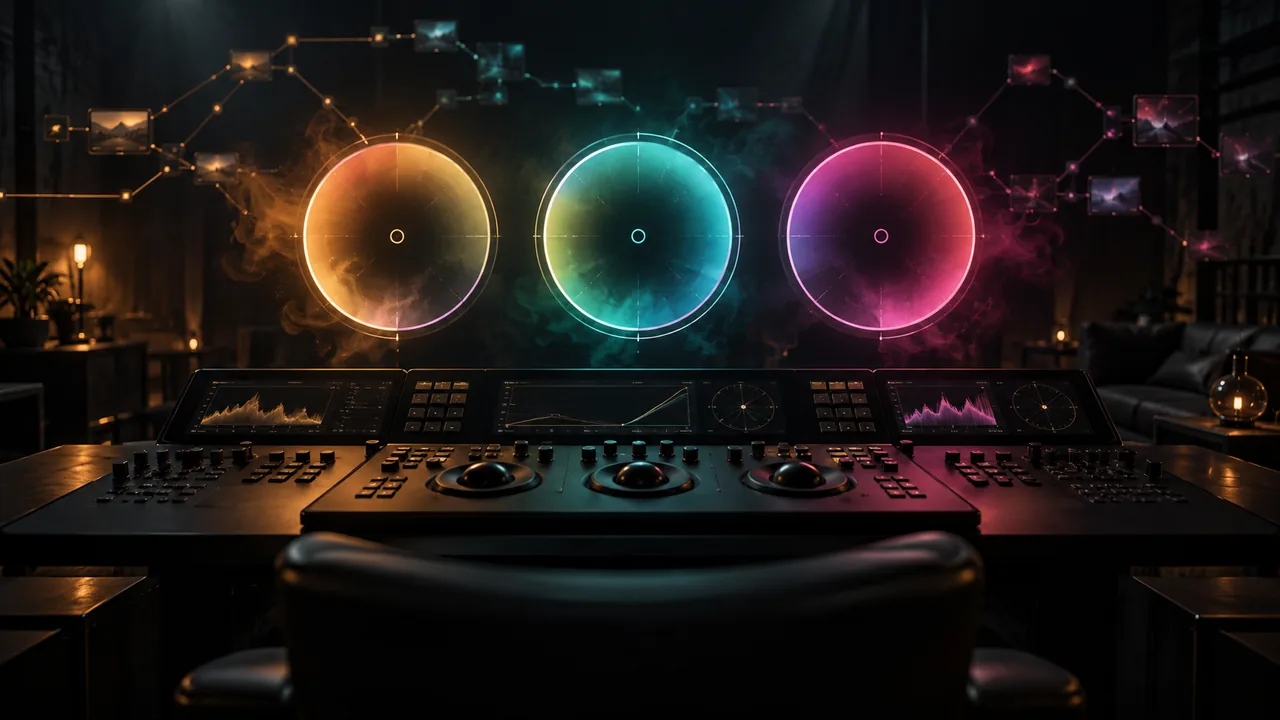
The Colour page reads the same timeline as the Edit page, so a grade never waits for a conform. Build a node tree per clip, balance with wheels and curves, isolate with keys and windows, then push the look across a whole sequence from the stills gallery.

View pricing
  • 32-bit float processing on every node
  • Rec.709, DCI-P3 and HDR grading
  • Waveform, parade, vectorscope and histogram on any display
Node based colour grading with wheels and scopes in the browser
Node tree

A node tree per clip, not a stack of filters

Every correction is a node you can name, disable, reuse and reorder. Serial and parallel nodes, layer nodes and a key mixer let you build a grade the way a finishing suite expects it.

  • Serial, parallel, layer and outside nodes with labelled colours
  • Copy and paste grades, or ripple a grade to every clip in a track
  • 1D and 3D LUTs, plus node graph presets saved per project
  • Node editor and clip thumbnail views for long timelines
Primaries and wheels

Balance with wheels, log controls and curves

Lift, gamma and gain wheels for the first pass, log and HDR wheels for camera spaces, and curves when a scene needs a gentler touch than a wheel allows.

  • Lift, gamma, gain, offset and log wheels with master and hue controls
  • Custom, HSL and hue versus hue curves
  • Colour warper for precise hue and saturation rotations
  • Temperature, tint and contrast pivot controls for quick neutralisation
Secondaries

Keys, windows and tracking for the shots that matter

When a face, a sky or a product needs its own correction, isolate it with a qualifier or a window and let the tracker keep it attached through every move.

  • HSL and 3D qualifiers with an on screen key preview
  • Linear, circle, polygon, curve and gradient power windows
  • Point and planar trackers attached to windows and effects
  • Magic mask for people and objects, resolved per frame
Shot matching

Stills, scopes and a sequence that matches

Save a still from the hero shot, split screen it against any other clip and see the difference on the scopes before you commit the correction.

  • Stills gallery with split screen and wipe comparison
  • Shot match to reference a grade across a scene
  • Scopes on the viewer: waveform, RGB parade, vectorscope, histogram
  • Clip filters by flag, colour or keyword for fast navigation
HDR and delivery

Grade once, deliver SDR and HDR from the same nodes

Work in the colour space the job needs, then render the versions each destination asks for from the interactive timeline rather than a second project.

  • Rec.709, DCI-P3 and HDR PQ or HLG working spaces
  • HDR10 masters and SDR trims from one timeline
  • Broadcast safe and legal range checks before the render
  • Delivery presets carry the colour metadata with the file
At a glance

Colour pipeline at a glance

What the colour page works with in the browser studio.

Processing32-bit float YRGB pipeline
Working colour spacesRec.709, DCI-P3, HDR PQ and HLG
ScopesWaveform, RGB parade, vectorscope, histogram
LUTs1D and 3D .cube files, node graph presets
TrackingPoint tracker, planar tracker, magic mask
MonitoringAny browser display; calibrate before final judgement
Help

Frequently asked questions

Colour page questions that come up before a first render.

Do I need a calibrated monitor to grade in the browser?

No, but it helps. The viewer and scopes are always available, and a calibrated display or a colour managed browser gives you a trustworthy second opinion before delivery.

Can I import my own LUTs?

Yes. Upload 1D and 3D .cube files to the project and they appear in the LUT browser on any node, ready to copy between clips.

Can I copy a grade to every clip in a scene?

Save the grade as a still, select the clips in the timeline and apply it in one action. Ripple grades work per track when a whole sequence shares a look.

Does the colour page work on HDR timelines?

HDR PQ and HLG timelines are supported on plans with 8K and 32-bit float colour, and HDR10 masters can be rendered straight from the delivery presets.

How many scopes can I see at once?

Waveform, parade, vectorscope and histogram can be displayed together, so you can judge luma and chroma without switching views.

Ready when you are

Grade the shot in front of you

Open the studio, drop the timeline onto the colour page and start with a node tree that already knows your sequence.

See Fusion
  • No install, no licence server
  • Google sign in, projects in the cloud
  • Cancel anytime
Online Colour Grading in the Browser | DaVinci Resolve