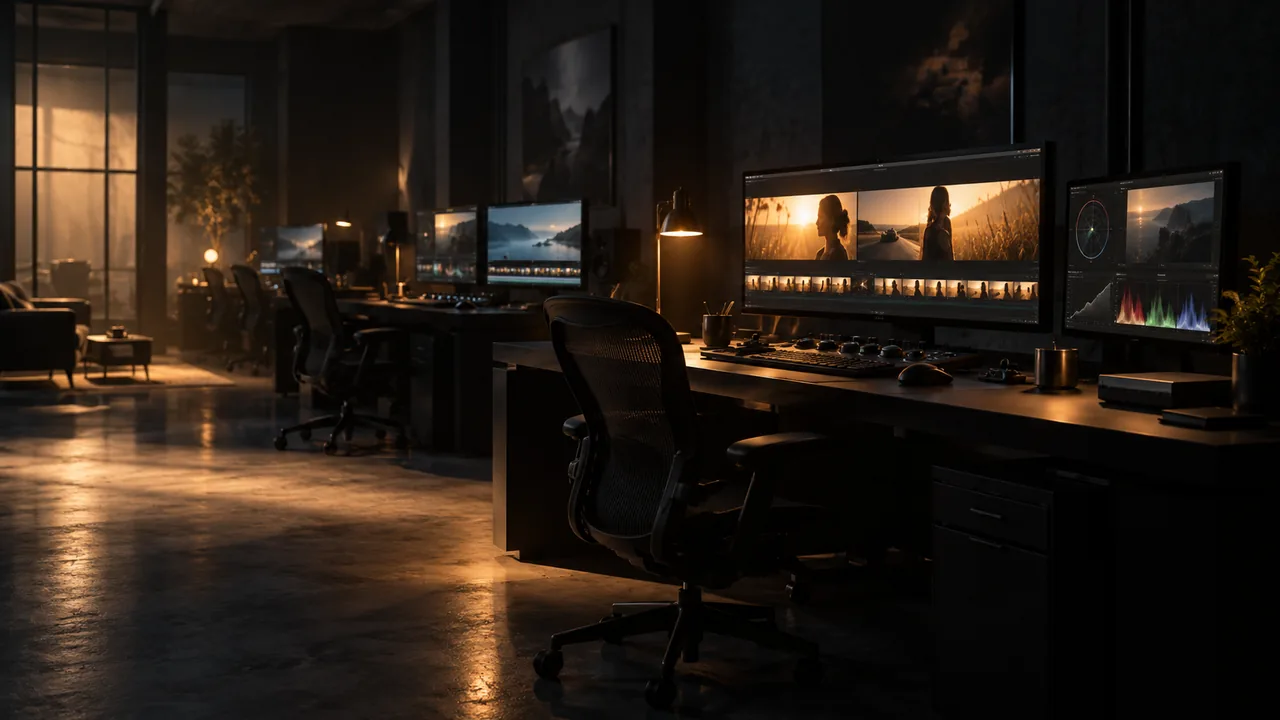
Studio online - media pool readyRender queue idle
Training

DaVinci Resolve training: learn every page, in order, online

Learning an editing suite is mostly about order and repetition: assemble until it is fast, trim until it is invisible, then grade and mix with the same material. This is the path the pages of the studio suggest, and the way to practise it without a licence server in the way.

View pricing
  • One learning path that follows the studio pages
  • Drills that build speed on real footage
  • Classroom ready, no installs for students
Training path through the editing, colour, Fusion and audio pages
Learning path

Learn the pages in the order the work arrives

Each page teaches a different skill, and each one assumes the page before it. Work through them in sequence and every new tool has somewhere to land.

  • Media and Cut: ingest, sync, assemble, understand the timeline
  • Edit: trim, refine, add speed changes and structure the story
  • Colour: balance, then grade, then match shots across a scene
  • Fusion: isolate, track, animate and composite one shot properly
  • Fairlight: balance dialogue, control loudness, deliver stems
  • Deliver: render the right versions for each destination
Practice

Drills that build muscle memory

Progress comes from repetition on small exercises, not from watching a long tutorial once. These drills run in under an hour each and all of them work on the browser timeline.

  • Assemble a two minute sequence in fifteen minutes, keyboard only
  • Trim twenty cuts without touching the mouse
  • Balance a scene with three nodes or fewer before adding more
  • Rotoscope one moving subject with a magic mask and fix it frame by frame
  • Mix a dialogue scene to a loudness target and check the history graph
  • Render three different delivery presets from the same timeline
Practice projects

What to practise on

Use your own footage where possible, because the awkward material is the useful material: mixed frame rates, blown highlights, noisy audio and an interview that cuts on motion.

  • A short interview with two cameras and one lavalier
  • A travel or event cut with more shots than minutes
  • A product or brand film where the grade carries the mood
  • A music performance for sync, speed changes and audio polish
  • Archive footage for restoration, upscaling and reframing
Classrooms

Teaching with the browser studio

Students open the same project structure on any laptop with no installs, which removes the first two weeks of a course that used to be spent on drivers and licences.

  • A term long outline that follows the page order above
  • Assignments submitted as project versions instead of exported drives
  • Assessment against delivery specs: resolution, colour tags, loudness
  • Team seats so a tutor can review sequences in the same pool
Help

Frequently asked questions

Training questions that come up before a first render.

Do I need editing experience to start?

No. Begin on the Cut page with a small amount of footage and work forward. The page order in this guide assumes no previous editing suite experience.

How long does it take to get competent?

Most people assemble confidently within a week of short daily sessions, and reach a professional looking grade and mix with a month of deliberate practice on their own footage.

Is there a certificate?

The studio does not issue certificates. If you are training formally, ask the institution about their own assessment, which can be built on the delivery specs used here.

Can a classroom use the studio?

Yes. Team seats on the Studio plan let a tutor share a pool with students, and students need nothing installed on their machines.

Where do I get help when I am stuck?

The homepage FAQ covers install, projects, credits and formats, and the support address at the bottom of every page handles anything specific to an account or a project.

Ready when you are

Start the first drill

Open the studio, load a card of footage and assemble a two minute sequence. The fastest way to learn the timeline is to finish something on it.

See the edit page
  • No install, no licence server
  • Google sign in, projects in the cloud
  • Cancel anytime
DaVinci Resolve Training | Editing, Colour and Fusion Online