Studio online - media pool readyRender queue idle
Noise reduction

Noise reduction for dialogue that still sounds like a voice

Noise reduction is easy to overdo. The goal is not a silent file; it is dialogue that sounds natural after the hiss, hum and rumble are gone. The Fairlight page gives cleanup, EQ and dynamics a place in the same project as the picture.

View pricing
  • Reduce steady hiss, hum, wind and clicks on dialogue tracks
  • Keep the voice natural with gentle processing and A/B checks
  • Finish the mix and loudness in the same browser project
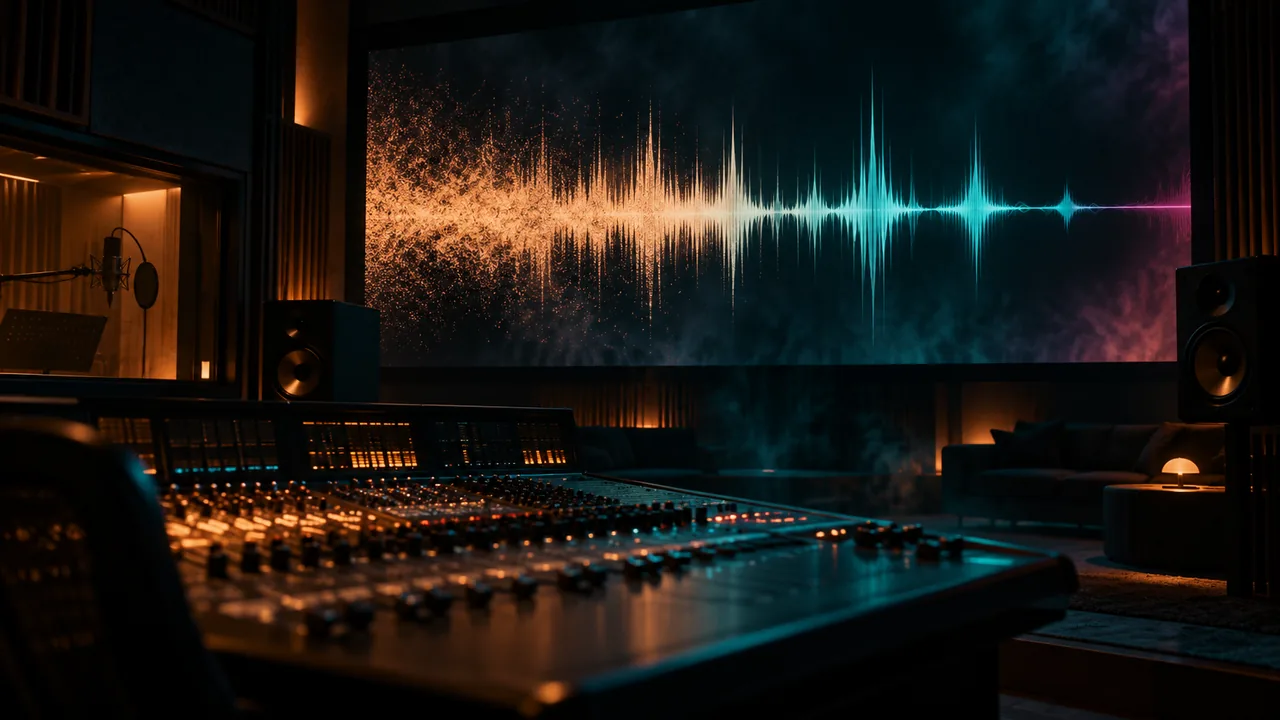
A dialogue waveform in a dark audio suite, its noisy floor smoothing into clean lines
Identify

Name the noise before reaching for a processor

Hisss is broadband and steady. Hum sits on a low frequency and its harmonics. Wind and handling noise are low frequency and uneven. Clicks, chair creaks and keyboard hits are short events. The distinction matters because one pass cannot solve all four without damaging the voice.

  • Listen to a pause and to a line of dialogue, not only the loud moments
  • Separate steady noise from short events and room tone
  • Check whether the noise changes between takes or camera angles
  • Fix the worst source problem before stacking more processing
Cleanup chain

Clean first, then shape the voice

Start with the narrow problems: reduce the steady noise bed, remove a hum or a click, then move to EQ and dynamics. The exact settings depend on the recording, but the order protects you from pumping a compressor against noise you have not removed yet. Check every move against the untreated line.

  • Use the lightest noise reduction that cleans the pause
  • Remove hum and clicks before broad tonal shaping
  • Apply high pass filtering when rumble carries no useful voice
  • Compress and level only after the noise floor is under control
Preserve

Keep the consonants and the room

Heavy reduction thins the voice, smears consonants and leaves a watery tail. Set the reduction just past the point where the noise disappears, then back it off until the voice sounds alive again. A little honest room tone is usually less distracting than a dead, gated silence between words.

  • A/B the processed and original line at matched loudness
  • Listen for lisping, metallic tails and lost breath
  • Keep a gentle room tone under the dialogue instead of hard gating
  • Check the result on speakers, headphones and a phone
Finish

Match the mix and the delivery target

Cleanup changes the level and the tonal balance, so remeasure the programme after the pass. Ride the dialogue, set the music around it and confirm the loudness target before delivery. The same audio travels with every picture version, which is why a rushed cleanup tends to show up everywhere.

  • Recheck loudness and true peak after cleanup
  • Keep dialogue intelligible under music and effects
  • Render a version with the final audio rather than a separate rough mix
  • Archive the project so the cleanup can be revised later
At a glance

Dialogue cleanup at a glance

A practical order for a common location recording.

HissSteady broadband noise; use controlled reduction
HumLow frequency tone and harmonics; remove before EQ
Wind and rumbleLow frequency movement; high pass when safe
ClicksShort events; repair individually where possible
VoiceEQ, compression, de-essing and level control after cleanup
DeliveryRemeasure loudness and true peak before rendering
Help

Frequently asked questions

Noise reduction questions that come up before a first render.

Can I remove background noise from video in the browser?

Yes. The Fairlight page includes dialogue cleanup tools for common location problems such as hiss, hum, clicks and rumble. The result depends on how much the noise overlaps the voice and how much processing the recording can take.

Should noise reduction come before or after EQ?

Remove the obvious noise first, then shape the voice with EQ and dynamics. If you EQ first, a compressor can react to a noise bed you have not controlled yet. Compare every step with the original at matched loudness.

Why does the voice sound watery after cleanup?

The reduction is working too hard or the source has noise in the same frequency range as the consonants. Lower the amount, narrow the repair or accept a little room tone. A natural voice with a faint noise floor is usually better than a silent but metallic one.

Can I clean up audio without a separate DAW?

For interviews, YouTube, courses and corporate video, the built-in page covers the everyday chain. Heavy sound design, music production and large restoration jobs may still belong in a dedicated audio application.

Does the cleanup apply to every delivery version?

The audio belongs to the timeline, so the same cleanup is heard in the versions rendered from that project. Recheck a vertical or broadcast delivery if it uses a different loudness target or a different mix.

What if the noise is in the music or effects too?

Treat each track by its role. Dialogue usually gets the most care, while music and effects can mask a small amount of room tone. Do not run the same aggressive pass across the whole mix; it will flatten the parts that were already clean.

Keep reading

Where this fits in the workflow

The studio is one project with several pages. These are the pages that usually come before and after this one.

Ready when you are

Clean the take without flattening the voice

Open the audio page, fix the noise floor and finish the mix in the project that already holds the picture.

See the Fairlight page
  • No install, no licence server
  • Google sign in, projects in the cloud
  • Cancel anytime
Noise Reduction for Dialogue | DaVinci Resolve