Studio online - media pool readyRender queue idle
Troubleshooting

DaVinci Resolve troubleshooting: the fixes for common stalls

Almost every stall has one of a short list of causes, and the order you check them in matters more than the length of the list. What follows is that order, grouped by where the trouble shows up.

View pricing
  • Renders, exports and the credit budget
  • Media offline, imports and proxies
  • Audio routes, sync and the save loop
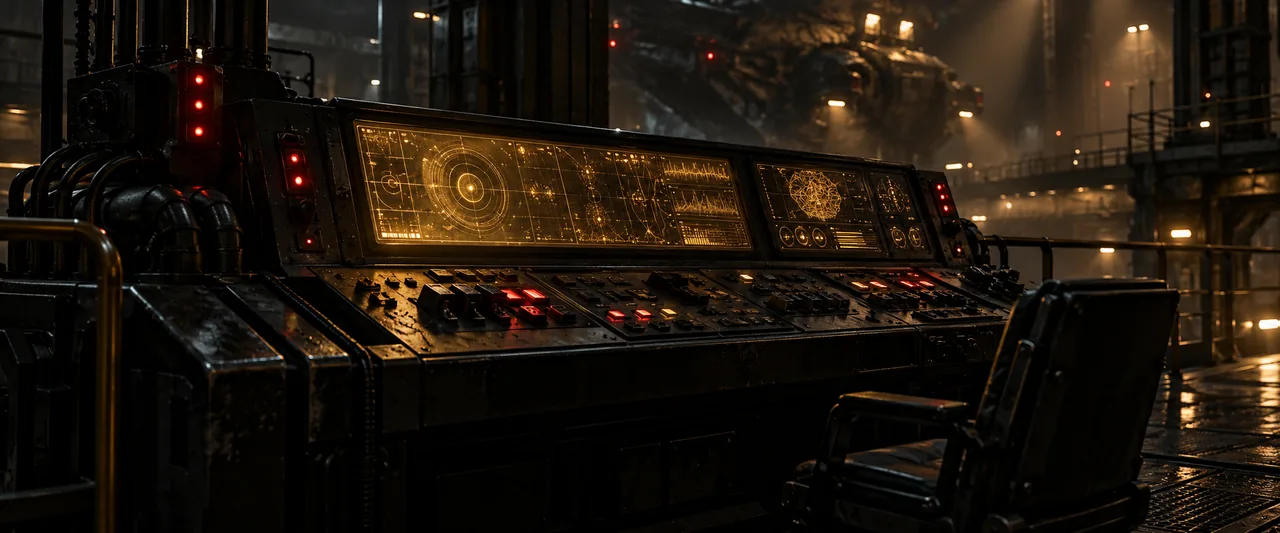
A wide diagnostic console glowing in soft amber in a dark room, a cluster of small warning lights pulsing on its surface
Render and export

A render that fails, stalls or crawls

Render failures cluster around three things: the credit budget, a single pathological frame, and a connection drop mid pass. Check them in that order; the fix is usually splitting work rather than fighting it.

  • Check the credit balance before anything else: renders draw on it
  • If a render fails at the same point, the frame is the suspect: an effect or a codec
  • Split the timeline around the heavy section and render in two passes
  • Retry after a connection drop; the queue picks the job up again
Media and playback

Media offline, imports that refuse, black exports

Media offline almost always means the files moved or the drive slept. Imports that refuse are usually a container the browser cannot read directly, and a black export is nearly always a media link that broke after the timeline was built.

  • Re-point the media pool at the folder; offline clips relink in place
  • Keep source drives connected or awake for the session
  • For stubborn phone HEVC and unusual containers, transcode or proxy first
  • A black export: check for offline clips and re-render once they link
Audio

No sound, wrong sound, drifted sync

Audio trouble in a browser is usually a route problem: the wrong output device, a solo left on, or a clip whose audio was unlinked somewhere upstream. Sync drift is a different beast, and it is almost always footage rather than software.

  • Check the output device and system volume before the mixer
  • Look for a solo or mute left on in the mixer page
  • Confirm the clip audio is enabled and linked as expected
  • For drift on long takes, resync by waveform and check the source file
Account and sessions

A session that will not save or sync

Saving rides on the account and the connection, so a save that never lands is usually a sign in or network problem rather than lost work. Projects autosave as you go, which makes a refresh a cheap first move.

  • Refresh the tab and confirm the sign in is still current
  • Check the connection: saves queue and flush when it returns
  • Reopen from the project list; versions keep earlier states safe
Help

Frequently asked questions

Troubleshooting questions that come up before a first render.

Why did my render fail at the very end?

A failure near the end usually means one heavy frame or a connection blip through the final pass. Re-queue the job; if it fails in the same place, split the timeline around that section and render it separately.

How do I fix media offline properly?

Point the media pool back at the folder where the files live. If they genuinely moved machine or drive, relink there instead: the timeline references update everywhere the clip is used.

There is no sound in the studio but exports have audio. Why?

That is an output route issue rather than a timeline one: the browser is sending audio to a different device than you expect, or the mixer has a solo engaged. Check both before touching the clips.

Something crashed. Is my project lost?

Almost never: the project autosaves to the account as you work. Reopen it from the project list, and if an earlier state looks better, the version history is right there.

Ready when you are

Back to a working timeline

Most sessions get unstuck in the first three checks above. If the machine itself is the bottleneck, the slow playback guide takes it from there.

  • No install, no licence server
  • Google sign in, projects in the cloud
  • Cancel anytime
DaVinci Resolve Troubleshooting | Common Errors and Fixes