Studio online - media pool readyRender queue idle
Linux

DaVinci Resolve on Linux: desktop expectations and the browser route

There are two different Linux questions. One is about Blackmagic’s desktop application and its system requirements. The other is about opening this independent browser studio in Chrome or Edge on a Linux machine. This page answers the second without pretending the two are the same product.

View pricing
  • No desktop package, no admin install, no licence server
  • Chrome or Edge on a modern 64-bit Linux desktop
  • The same project opens on Windows, macOS and ChromeOS
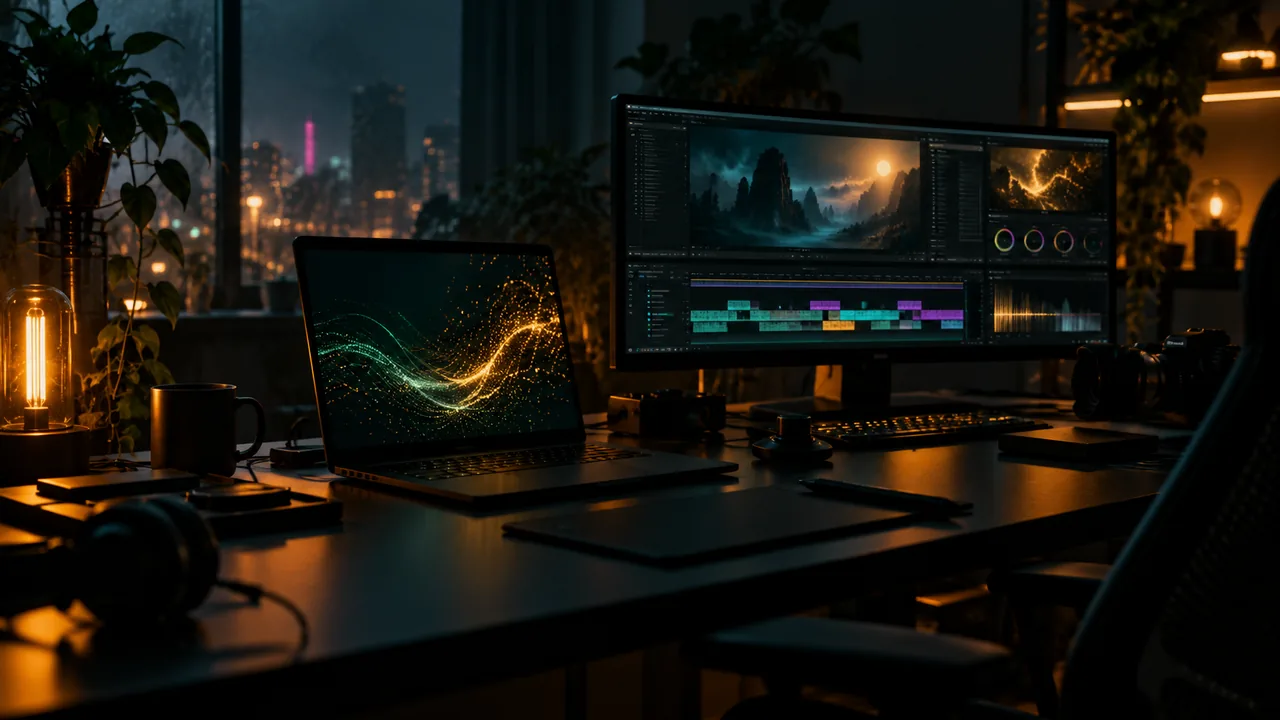
A dark Linux workstation with an open laptop, a glowing terminal and an editing timeline on a second monitor
Clarify the route

Desktop Resolve and this browser studio are not the same product

Searching for DaVinci Resolve on Linux usually means the installed application from Blackmagic Design. This site is an independent browser studio that follows a similar editing, colour, Fusion and Fairlight workflow. It is not the desktop package, it does not install system libraries and it is not affiliated with Blackmagic.

  • Use the desktop application if you need the official local Linux install
  • Use the browser studio when you want the timeline without a local install
  • Check the desktop vendor for the supported distributions and hardware
  • Check this page for the browser-side requirements instead
Browser requirements

What the Linux machine needs

A current 64-bit desktop distribution, an up-to-date Chromium browser and a stable connection cover the basics. Hardware acceleration should stay enabled, because decode and viewer playback benefit from it. The studio is not tied to one desktop environment, but it is still a cloud application: audio devices and external drives behave through the browser and the operating system.

  • Use a current Chrome or Edge release on a 64-bit desktop
  • Keep hardware acceleration enabled in the browser settings
  • Allow the site to use the audio device you actually monitor on
  • Test camera and microphone permissions before a recording session
Workflow

The project lives in the account, not in a local install

Media is uploaded into the project and the edit is saved in the account. That makes a Linux laptop, a Windows desktop and a Mac in another room behave like seats on the same pipeline. External drives still belong to your local workflow: copy the source files into the project before you leave the machine, and keep a local backup.

  • Open the same project from another browser and machine
  • Use proxies for large camera files and long timelines
  • Keep a local archive of source media outside the browser project
  • Plan the upload time for a large card before the edit day
Limits

When a local desktop install is still the right answer

Offline shoots, hardware control panels, uncommon codecs and heavy local round trips still point to a desktop application. The browser route is strongest when the work needs a quick start, a mixed team or a project that follows the account. Choosing the browser does not make the desktop route obsolete; it changes which part of the job happens where.

  • Desktop for offline media and unsupported local codecs
  • Desktop for control surfaces and machine-specific hardware
  • Browser for mixed machines, quick starts and shared projects
  • Move a rendered master between routes when the handoff needs it
At a glance

Linux route at a glance

What this browser studio does and does not replace.

ProductIndependent browser studio, not the Blackmagic desktop app
InstallNone; open a current Chrome or Edge tab
SystemModern 64-bit Linux desktop with a stable connection
HardwareEnable acceleration; test the audio device before a session
ProjectsStored with the account and available on other machines
OfflineNot a replacement for an offline desktop workflow
Help

Frequently asked questions

Linux questions that come up before a first render.

Is this the official DaVinci Resolve Linux application?

No. This is an independent browser studio that follows a similar workflow. The official desktop application, its Linux distributions and its system requirements come from Blackmagic Design, not from this site.

Which Linux distribution should I use?

Use a modern 64-bit desktop distribution that can run a current Chrome or Edge release. The browser studio is not tied to one desktop environment. Check the browser vendor for its own Linux support and acceleration requirements.

Does it work without installing packages?

Yes. The studio opens in the browser, so there is no local application package to install. You still need a compatible browser, a network connection and permission to use the audio or camera devices you need.

Can I edit offline on Linux?

No. This browser route depends on a connection for the project and server-side work. For an offline shoot or a location without reliable internet, use a local desktop editor and plan the handoff separately.

Why does playback stutter on Linux?

Check hardware acceleration, browser version and the codec in the source file. Generate proxies for heavy footage and close other GPU-heavy tabs. If the machine cannot decode the file smoothly, transcode it before the edit rather than fighting the viewer.

Can I use external drives and a local microphone?

The operating system and browser handle device permissions. Copy media from an external drive into the project before you leave the machine, and test the microphone or audio interface before recording. Keep a local backup of every source file.

Keep reading

Where this fits in the workflow

The studio is one project with several pages. These are the pages that usually come before and after this one.

Ready when you are

Open the studio on the Linux machine in front of you

No local package, no licence server and no system libraries to install: a Chromium tab and a project in the cloud.

  • No install, no licence server
  • Google sign in, projects in the cloud
  • Cancel anytime
DaVinci Resolve on Linux | Browser Studio