Studio online - media pool readyRender queue idle
Windows

DaVinci Resolve for Windows in the browser: Chrome, no install

On Windows the studio is a tab: Windows 10 or 11, a current Chrome or Edge, and a sign in. Nothing lands in Program Files, nothing needs a driver update, and a locked down work laptop is a first class editing machine.

View pricing
  • Windows 10 and 11 in Chrome or Edge
  • No installers, drivers or licence servers
  • Proxies keep 4K and HEVC footage smooth
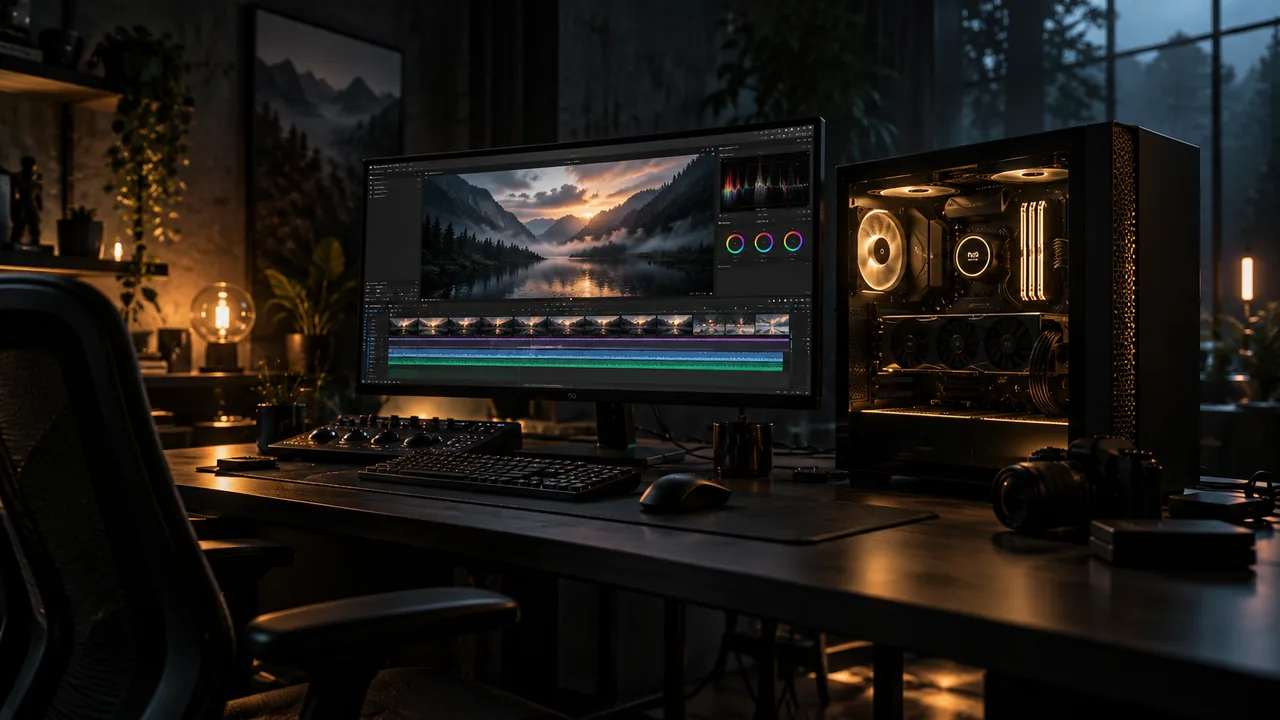
A matte black desktop tower glowing softly from within beside a monitor showing a luminous editing timeline in a dark studio
Nothing to install

A studio that does not land in Program Files

Managed laptops, office desktops and lab machines usually block installers, and the studio matches that reality: open Chrome or Edge, sign in with Google and the timeline is there. Updates arrive in the tab rather than through a patch cycle.

  • Works on Windows machines where installers are blocked
  • No GPU driver version to chase before the first cut
  • The same account opens the same project on any Windows seat
Laptops

Getting the best from a Windows laptop

Most choppy playback on Windows laptops traces back to settings rather than silicon. Hardware acceleration and a current browser do most of the work; proxies cover the rest, especially for phone HEVC and 4K captures.

  • Keep Chrome or Edge current and hardware acceleration on
  • Generate proxies for 4K and HEVC material before heavy trims
  • Close other streaming tabs and heavy background apps
  • Stay on mains power and keep vents clear on long timeline sessions
Desktops

Towers and workstations: most of the power is optional

Any modern GPU from Nvidia, AMD or Intel carries the viewer when it exposes WebGL 2 and keeps its driver reasonably fresh. The heavier compute, rendering included, runs on the studio side, so a mid range tower behaves much like a flagship for browser editing.

  • Integrated graphics with acceleration enabled is the real baseline
  • Multi monitor setups work; keep the timeline on the larger display
  • A discrete GPU helps mainly with the largest 8K timelines in the browser
  • System audio output is enough to mix; interfaces are optional
Moving between machines

Office desktop, home laptop, same project

Because projects live with the account, Windows to Windows handoffs are a sign in rather than a file copy. Teams on the Studio plan share media pools, so an assistant can prep on one desk while the editor finishes on another.

  • Close the lid on one machine and reopen anywhere else
  • Shared pools and versions on the Studio plan
  • Classrooms work without per machine installs or licences
Help

Frequently asked questions

Windows questions that come up before a first render.

Which Windows versions are supported?

Windows 10 and Windows 11 with a current Chrome or Edge release run the studio. The same browser on ChromeOS and macOS covers the other desks.

Do I need a dedicated graphics card?

No. Hardware accelerated integrated graphics carry the viewer, scopes and mixer. A discrete card is a bonus, not a requirement, and proxies matter more than silicon for heavy codecs.

Why is playback choppy on my laptop?

The usual suspects are hardware acceleration switched off, a stale browser build, a 4K or long GOP clip without proxies, and a dozen open tabs. The slow playback page walks the diagnosis in order.

Can I edit footage from an external drive?

Yes: point the media pool at the folders on the drive and work as usual. Keep the drive connected for the session, and download deliverables back to it when the render finishes.

Ready when you are

Open the studio on the machine you have

No download, no admin rights: sign in with Google and put the Windows box you are sitting at to work.

See the Mac side
  • No install, no licence server
  • Google sign in, projects in the cloud
  • Cancel anytime
DaVinci Resolve for Windows | Edit in Chrome, No Install