Studio online - media pool readyRender queue idle
macOS

DaVinci Resolve for Mac in the browser: Chrome on macOS, no install

On a Mac the studio is a tab in Chrome: no installer, no licence server, no admin password. macOS 12 or later runs it, Apple Silicon runs it comfortably, and the projects follow the account between every Mac you sign in on.

View pricing
  • macOS 12 or later, Chrome or Edge
  • Apple Silicon runs the viewer comfortably
  • Projects follow the account between Macs
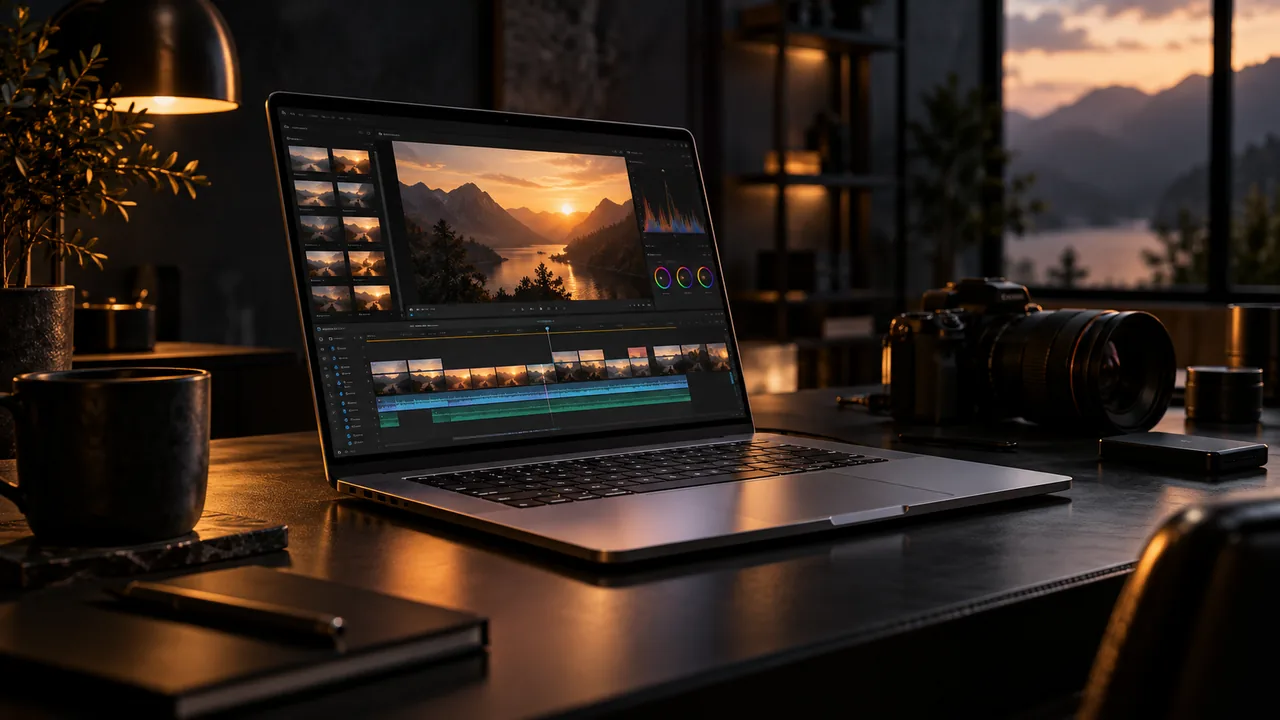
A slim silver laptop open on a dark desk, its screen glowing with a warm editing timeline, soft reflections on brushed metal
The browser

Chrome or Edge, not Safari

The studio leans on the modern Chromium media stack for smooth playback and hardware accelerated decode. Safari misses pieces of that foundation, so the supported path on macOS is a current Chrome or Edge release, with hardware acceleration left on.

  • Install Chrome or Edge; both ride the same engine the studio targets
  • Keep hardware acceleration enabled in browser settings
  • Firefox and Safari are not supported for editing sessions yet
MacBooks

Getting the best from a MacBook

A MacBook Air will throttle under a long render or a hot afternoon, which shows up as playback that starts smooth and drifts. The habits that help are simple: proxies for heavy media, a current browser and a machine that is not also running a video call.

  • Apple Silicon runs the studio comfortably on battery and on mains
  • Proxies keep 4K and 8K footage flowing on fanless machines
  • Close other streaming tabs; unified memory is shared with the browser
Desktops and shared Macs

Studios, classrooms and the Mac mini shelf

Because nothing is installed, a Mac mini in a lab or a shared suite iMac behaves like any other seat: sign in, open the project, sign out. No per machine licence, no version drift between the machines, nothing for IT to reimage.

  • Classrooms run on a set of shared Macs with nothing installed
  • The account, not the machine, holds the project and the plan
  • External drives and network shares stay part of your local workflow
Crossing platforms

Mac at home, Windows at the office

The studio is the same on both sides of that commute: same project, same shortcuts, same render queue. Creators who split their week between a Mac and a Windows machine stop thinking about which computer the work is on.

  • Sign in on either platform and the latest project state opens
  • Shared pools on the Studio plan cover mixed platform teams
  • The same proxies and render cache follow the project, not the machine
Help

Frequently asked questions

macOS questions that come up before a first render.

Does the studio run on Apple Silicon?

Yes: M series Macs run the viewer, scopes and mixer comfortably, and hardware accelerated decode helps with HEVC from iPhone footage. Intel Macs work too, with proxies recommended for heavier codecs.

Why is Safari not supported?

The studio relies on Chromium media APIs for smooth decode and playback management. Safari does not expose the same foundation yet, so a current Chrome or Edge is the supported browser on macOS.

Which macOS versions work?

macOS 12 and later, with a current Chrome or Edge. Older releases usually still open the studio but lose media path improvements the newer builds rely on.

Can I work from footage on an external drive?

Yes: point the media pool at the folders on the drive and keep it connected for the session. Deliverables download back to the Mac, where you can move them to the drive or the archive.

Ready when you are

Open the studio on the Mac in front of you

No download, no admin password: a Chrome tab, a Google sign in, and the timeline is running on macOS.

See the Windows side
  • No install, no licence server
  • Google sign in, projects in the cloud
  • Cancel anytime
DaVinci Resolve for Mac | Edit in Chrome, No Install