Studio online - media pool readyRender queue idle
Collaboration

Collaboration and client review without the drive in the post house

The slow part of a video job was never the timeline; it was the handoff: a drive in a courier bag, a review email with three attachments and a question about which cut is newest. Collaboration in the browser replaces the handoff with a project that everyone opens.

View pricing
  • One project, several seats: edit, colour, sound, review
  • Notes land on the frame they concern
  • Version handoffs without a rebuild
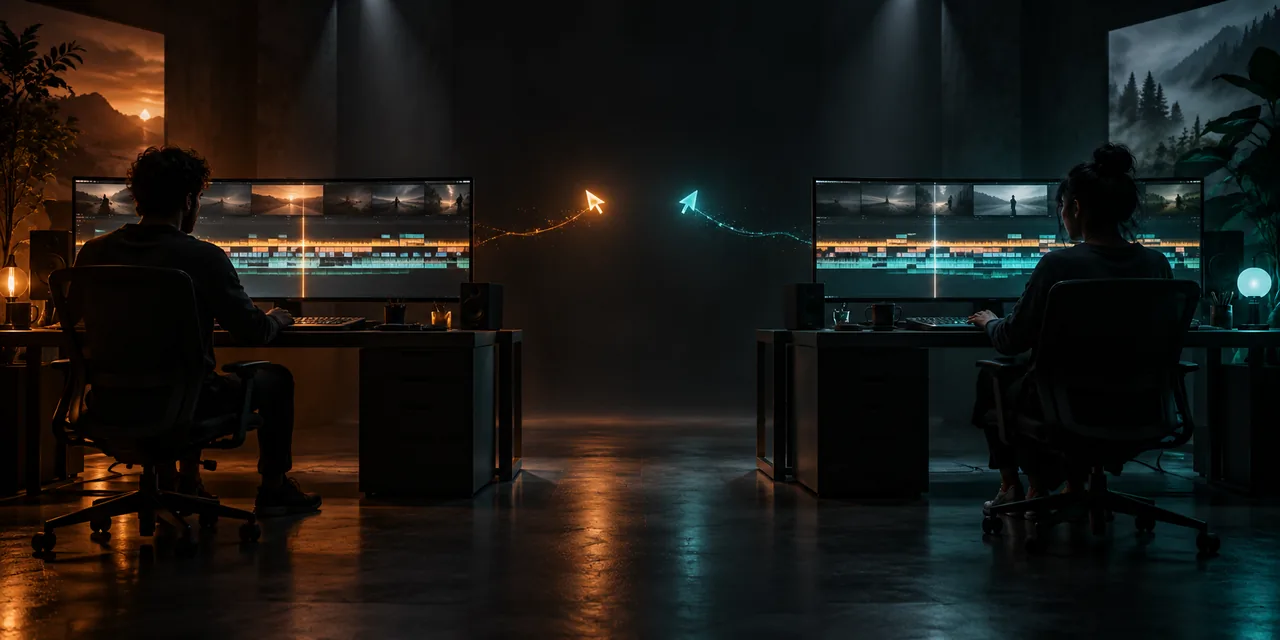
Two editing desks connected by a thread of light sharing one timeline
One project

Everyone opens the same project, not a copy

A cloud project is the single source of truth: the editor cuts, the colourist grades, the mixer levels, and each pass lands on the same timeline. Nobody merges folders or asks which version of the edit is current.

  • Edit, colour, sound and delivery read one project
  • Pages separate the roles: Cut and Edit, Colour, Fairlight, Deliver
  • The newest change is always the one on screen
  • Handoffs happen by moving seats, not moving files
Review

Client review that collects decisions in one place

Feedback resolves against a frame instead of a timecode in an email. Notes arrive as markers on the timeline, the round of approvals is visible to everyone waiting on it, and nothing lives in an attachment.

  • Comments and markers pinned to the frame they concern
  • A single thread of record per cut
  • Fewer mis-heard notes and re-sends
  • Feedback arrives while the project is still open on the desk
Handoff

Version handoffs without a rebuild

When the cut locks, the grade and the mix continue in the same project, and deliveries render from the timeline the client approved. Earlier versions stay reachable for comparison without a folder archaeology session.

  • Timeline lock, then colour and sound passes on the same project
  • Deliveries render from the approved timeline
  • Old versions stay reachable for comparison
  • No consolidating or relinking between stages
Discipline

Small habits that keep shared projects calm

Shared projects reward a little discipline: name versions, park markers where notes were left, and keep private experiments in duplicate timelines instead of on the live one.

  • Name versions visibly: v1, v2-client, v3-lock
  • Keep client notes in markers, not in memory
  • Duplicate the timeline for experiments
  • Agree who owns the final export before lock
Help

Frequently asked questions

Collaboration questions that come up before a first render.

Can two people work in the same project at the same time?

Yes, on different pages of the same project, which is how colour and sound passes run alongside an editor working through notes. Two people trimming the same clip at the same second stays a coordination question, not a technical one.

How does client review work if the client has no account?

The project side of review lives in the studio. Where a client needs a no-account view, the practical route is a private link to a render with notes gathered in one thread, then entered into the project as markers.

Does collaboration require being online all the time?

The project lives in the cloud, so working sessions happen online. The desktop app covers fully offline days, and both read the same project.

How does version control work?

Versions are part of the project: duplicate the timeline at milestones, name it clearly and keep it. Nothing is overwritten until it is deleted on purpose.

Ready when you are

Run a review round in the browser

Open the studio, leave the project in a state you can share, and collect the next round of notes as markers.

See the delivery page
  • No install, no licence server
  • Google sign in, projects in the cloud
  • Cancel anytime
Video Collaboration & Shared Review | DaVinci Resolve Online