Studio online - media pool readyRender queue idle
vs CapCut

DaVinci Resolve online vs CapCut: templates or a full post pipeline

CapCut gets a post out tonight with a template and trending sound. A studio timeline gets a channel through the year with grades, mixes and versions. Both are useful; they answer different questions.

View pricing
  • Templates and auto captions vs node grades and audio finishing
  • Vertical and landscape cuts from the same browser project
  • A desktop browser tab versus a phone app
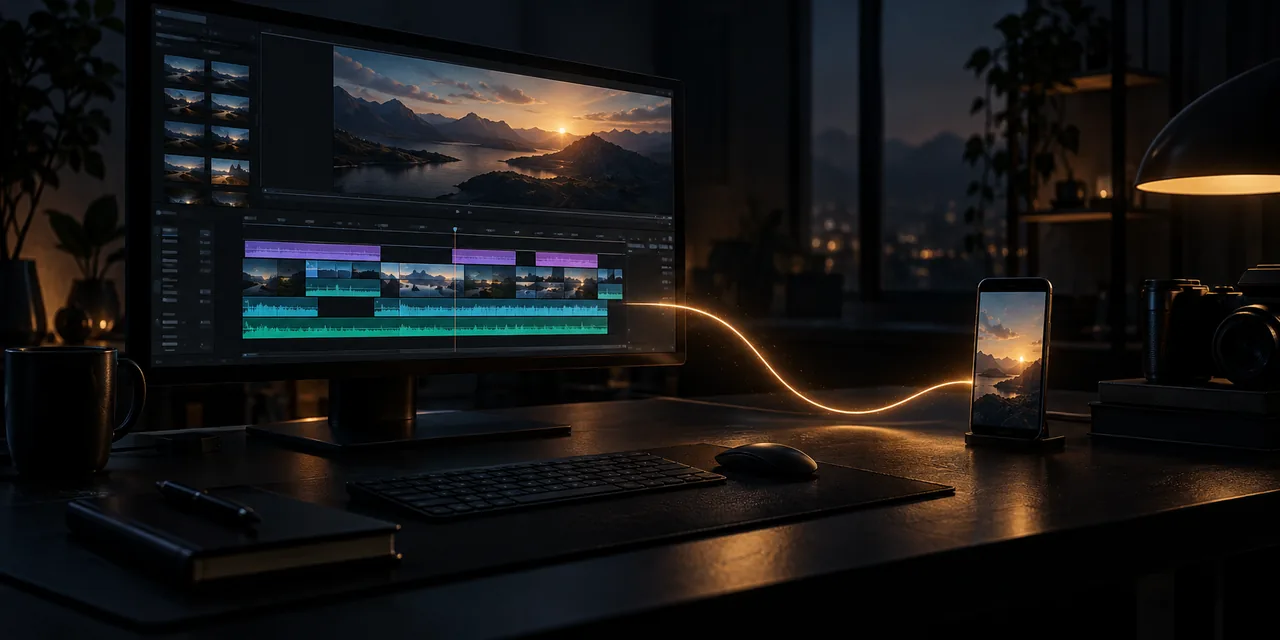
A large monitor with a glowing timeline and a small phone screen connected by a thread of light on a dark desk
Different first moves

One starts with a template, the other with a bin

CapCut begins from the post: pick a template, drop in clips, let the beat decide the rhythm. The studio begins from the footage: ingest a card, assemble a sequence, then shape the look and the sound. The first move tells you which tool the job wants.

  • CapCut: template, trending sound, publish tonight
  • Studio: card to bin to sequence, then grade, mix and deliver
  • Social one-offs versus work that stays editable for months
Where CapCut wins

Speed to a social post, from a phone

Nothing beats CapCut for a same day vertical post: capture, trim, caption and publish on one device with a template library behind you. Its auto captions and trend driven presets are tuned for feeds, not for finishing rooms.

  • Phone first capture to publish with no desk in the loop
  • A template and sound library tuned to what is trending now
  • Auto captions and quick fixes that assume a one minute post
Where the browser studio wins

Work that needs colour, sound and versions

When the edit outgrows a single clip, the studio takes over: a real timeline with multicam and speed ramps, node based colour with scopes, a Fairlight style audio page and project versions you can hand to a reviewer without exporting a file.

  • Long form, multicam and dialogue driven work
  • Node grades, LUT pipelines and consistent looks across a series
  • Loudness targets and broadcast shaped delivery
  • One project covers 16:9, 1:1 and 9:16 cuts of the same scene
Both, usually

Most creators keep one foot in each

A working combination: cut the daily verticals where the audience is, CapCut included, and bring anything with a lifecycle into the studio. Because the studio timeline also reframes for vertical, the flagship edits feed the feeds without a separate build.

  • CapCut for same day posts and experiments
  • Studio for flagship, client and long form material
  • Reframe once in the studio and publish a week of verticals
At a glance

The two tools at a glance

The short version, written from both sides of the desk.

PlatformsStudio: Chrome or Edge on desktop and ChromeOS. CapCut: phone, desktop and web
First strengthStudio: timeline depth and colour. CapCut: templates and speed
CaptionsStudio: a subtitle track you correct and style. CapCut: auto captions with preset looks
ColourStudio: node graphs, scopes and LUT management. CapCut: filters and quick adjustments
AudioStudio: mixer, automation and loudness. CapCut: track level mixing for posts
CollaborationStudio: shared pools and versions on the Studio plan. CapCut: team spaces in the app
CostStudio plans from $9 per month. CapCut: free tier with a Pro subscription
Help

Frequently asked questions

vs CapCut questions that come up before a first render.

Can I edit vertical posts in the browser studio?

Yes. Vertical timelines are first class: set a 9:16 sequence, reframe with keyframes and add captions as a track or a burn-in. The vertical video guide walks the full workflow.

Does the studio have auto captions?

A transcribe pass fills a subtitle track with timecoded text, which you then correct and style. The subtitles page covers the workflow start to finish.

Which one is better for podcasts and interviews?

The studio: multiple audio tracks, a mixer, loudness metering and a timeline that stays organised over a two hour cut. CapCut is built around short posts, not long sessions.

Is CapCut free compared with the studio?

CapCut has a free tier with a Pro upgrade, and some assets sit behind it. The studio opens with a Google sign in and its Starter plan covers saving and rendering from $9 a month.

Ready when you are

Bring the vertical workflow to the studio

Open the studio, set a 9:16 sequence and reframe one shot; the same project still exports the landscape cut.

  • No install, no licence server
  • Google sign in, projects in the cloud
  • Cancel anytime
DaVinci Resolve vs CapCut | Which Editor Fits the Job